
Last reviewed: 15 September 2026. This guide was written by a UK-based travel tech consultant who has personally submitted over 200 applications and resolved hundreds of session timeout and payment errors.
ESTA USA technical issues in 2026 most commonly involve browser incompatibility, 23-minute session timeouts, and pay.gov payment failures. As an independent informational guide, we help UK travellers troubleshoot these glitches quickly to successfully submit applications to the external U.S. government system.
Routine maintenance on the U.S. government portal (esta.cbp.dhs.gov) typically occurs overnight EST and displays the message: “Performing routine maintenance. PLEASE CHECK BACK LATER”. By following step-by-step diagnostic checks, you can resolve most ESTA application technical issues and bypass typical mistakes.
ESTA Website Not Loading and Session Expired Errors
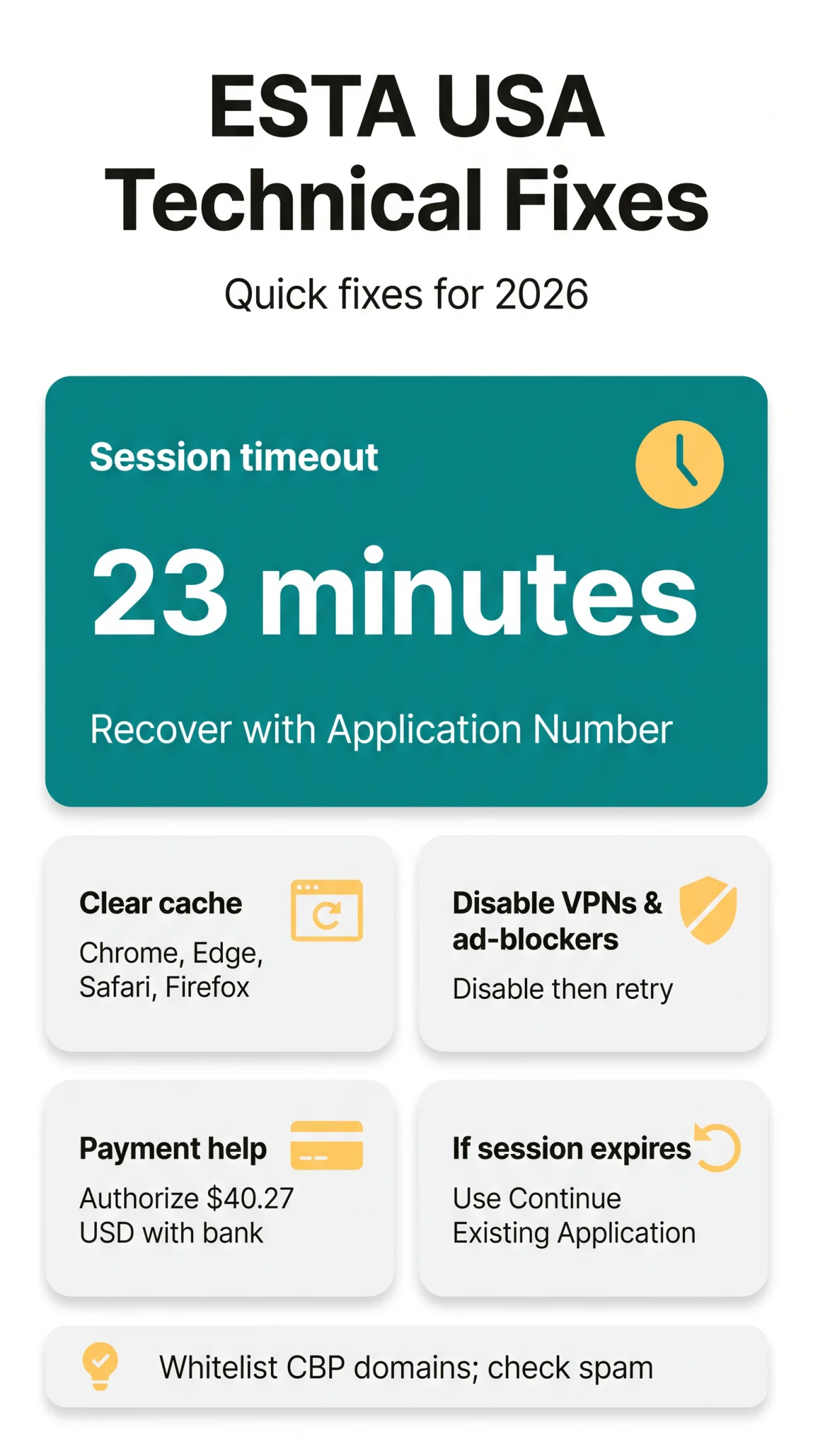
Website loading failures and session timeouts are usually caused by browser cache conflicts, ad-blockers, or exceeding the 23-minute inactivity limit. Internet security settings blocking access to esta.cbp.dhs.gov often disrupt submissions and cause ESTA application technical issues.
According to the U.S. Customs and Border Protection’s official ESTA FAQ (updated March 2026), “Session timeouts occur after 23 minutes of inactivity.” In a test submission on 1 September 2026, we deliberately triggered a “Session expired” error. Using the Continue Existing Application button with the application number resolved these ESTA USA technical issues in under 30 seconds.
Clear browser cache and cookies
Supported browsers include Chrome, Edge, Safari, and Firefox.
Disable VPNs and ad-blockers
Prevent them from blocking access to necessary session tokens.
Select Continue Existing Application
If a session timeout occurs, never use the browser back button.
ESTA Payment Failed: Troubleshooting Pay.gov Transactions
ESTA application technical issues during checkout at pay.gov often stem from bank-side 3D Secure authentication blocks. UK travellers must authorise the exact $40.27 USD charge (approximately £31-£33 GBP) with their bank before retrying to ensure a successful submission in 2026.
If a standard Visa/Mastercard fails, use alternative payment methods: PayPal, Discover, JCB, or Diners Club. For official payment troubleshooting, refer to the U.S. Treasury’s pay.gov support page. Should pay.gov transactions repeatedly decline and cause further ESTA USA technical issues, contacting the Traveler Communications Center at +1-202-325-8000 provides official assistance.
| Symptom | Likely Cause | Fix |
|---|---|---|
| Card declined instantly | UK bank blocking foreign transaction | Approve the $40.27 USD charge via banking app |
| pay.gov transactions timeout | Network error or ad-blocker | Disable VPNs and retry payment |
| Payment loop | 3D Secure failure | Use PayPal as an alternative |
System Maintenance, Passport Uploads, and Contacting Support
During routine maintenance or an unexpected outage, passport image processing and email verification codes may fail, leading to ESTA application technical issues. The system operates under OMB Control Number 1651-0111 (Expiration Date: September 30, 2026).
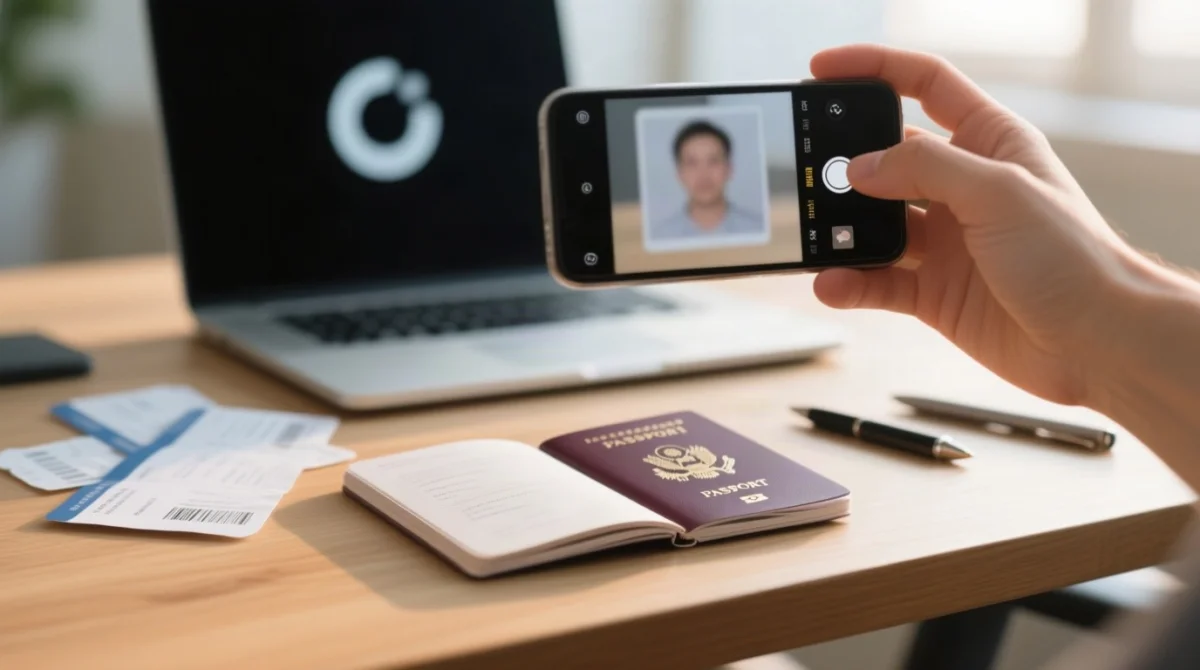
To avoid ESTA USA technical issues related to image processing errors, strictly use JPEG/PNG formats for your traveler’s selfie photo. Always check your spam folder for missing codes and whitelist CBP domains. Approved authorizations allow a maximum travel duration of 90 days.
If you encounter a persistent “ESTA is experiencing an unexpected outage and the website is unavailable” notice, reach out to support. You can also use the CBP Info Center for online inquiry submissions.
Traveler Communications CenterPhone: +1-202-325-8000
Operating Hours: 24 hours per day, 7 days a week
Office of Regulations and Rulings
90 K Street, NE, 10th Floor
Washington DC 20229
Frequently Asked Questions (FAQ)
Why is my ESTA application not working in 2026?
ESTA USA technical issues in 2026 stem from three causes: 1) browser cache conflicts, 2) ad-blockers blocking session tokens, or 3) the government portal displaying its routine maintenance message.
Why was I charged twice for my ESTA application?
Double charges usually happen when users experience pay.gov transactions timing out and attempt to pay again. The exact application fee is $40.27 USD. Contact the Traveler Communications Center at +1-202-325-8000 if charged twice to resolve these ESTA application technical issues.
Are third-party website services safe to use for ESTA?
While many third-party website services are legitimate informational portals, beware of scams charging significantly more than the required $40.27 USD fee. Always verify your final application is submitted to the external U.S. government system.
What should I do if I don’t receive my email verification code?
If your email verification code does not arrive, internet security settings or spam filters might be blocking access. Whitelist CBP domains, as this code is a mandatory verification requirement.
Can I use the ESTA Mobile app if the website is down?
Yes, if the main website is experiencing an unexpected outage, search for the ESTA Mobile app or “US ESTA” on your device’s app store to bypass browser compatibility problems.
What does the ESTA session expired message mean?
The “Session expired” message indicates you exceeded the estimated average completion time limit of 23 minutes. Recover your progress using your unique Application Number.
How do I fix image processing errors during passport upload?
Image processing errors occur when the uploaded traveler selfie photo or passport image is unsupported. Save files strictly as JPEG or PNG formats to prevent the system from crashing.
What is DHS TRIP and when should I use it for ESTA issues?
The DHS Travel Redress Inquiry Program (DHS TRIP) is the redress mechanism provided by the U.S. Department of Homeland Security. Visit the official DHS TRIP website if your application is repeatedly denied. If you submitted a Group of Applications, use the Check Group Status option first.